



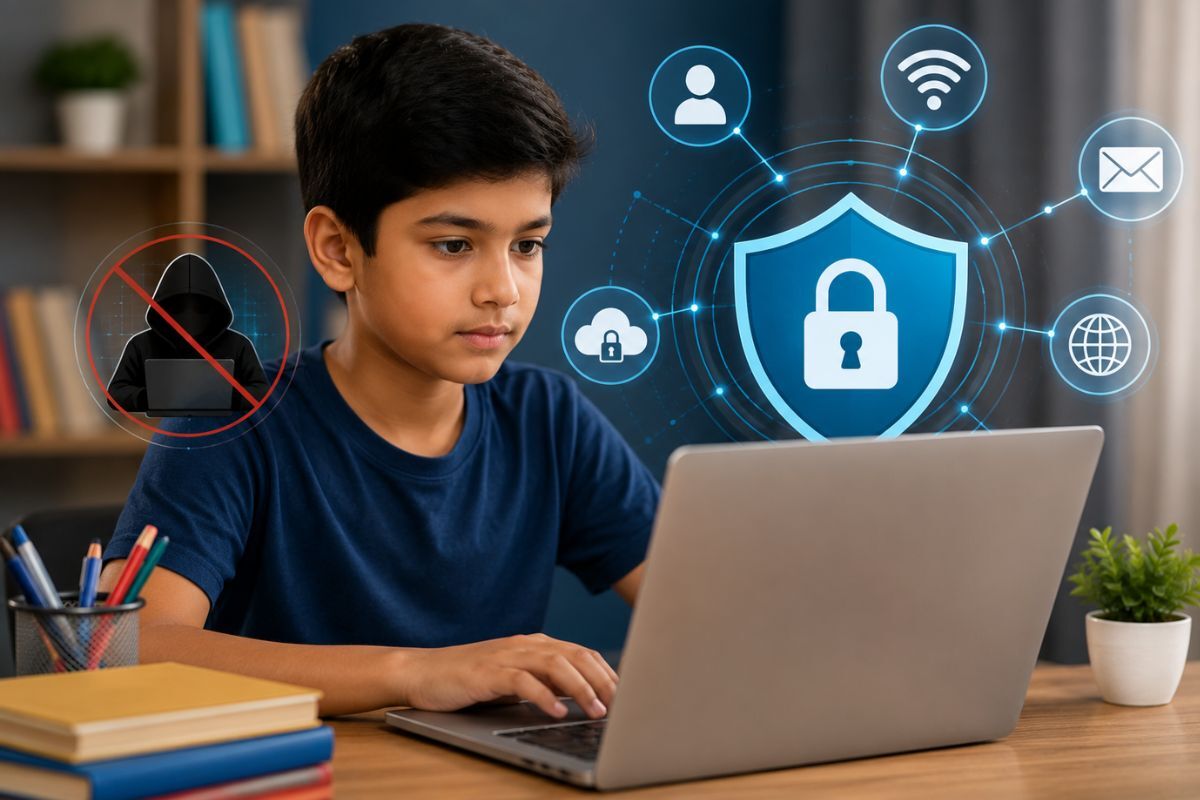
The internet has become an essential part of modern education, helping students access information, collaborate with peers, and develop important digital skills. While technology offers numerous learning opportunities, it also presents potential risks that students and parents must understand. At Sunrise Ville School, we recognize the importance of digital literacy and online safety. Through various learning initiatives, including computer club activities school programs, students are encouraged to use technology responsibly while developing awareness about cyber safety and digital citizenship.
Why Cyber Safety Is Important
Children today spend a significant amount of time online for educational, social, and entertainment purposes. Whether attending virtual classes, conducting research, playing games, or using social media, students interact with digital platforms daily.
Without proper awareness, they may become vulnerable to:
- Cyberbullying
- Online scams
- Identity theft
- Phishing attacks
- Inappropriate content
- Privacy breaches
- Online predators
Teaching cyber safety helps students make informed decisions and protects them from potential online threats.
Create Strong and Secure Passwords
One of the simplest yet most effective ways to stay safe online is by using strong passwords.
Students should:
- Create passwords with a combination of letters, numbers, and symbols.
- Avoid using personal information such as birthdays or names.
- Use different passwords for different accounts.
- Never share passwords with friends.
Parents can help younger children manage passwords securely while teaching them the importance of online privacy.
Protect Personal Information
Students should understand that not all information belongs online.
Important details that should never be shared publicly include:
- Home address
- Phone numbers
- School information
- Passwords
- Financial details
- Personal identification information
Encouraging children to think carefully before posting information online can significantly reduce security risks.
Be Careful with Social Media
Social media platforms allow students to connect with others, but they also require responsible usage.
Students should:
- Keep accounts private whenever possible.
- Accept friend requests only from people they know.
- Think before sharing photos or personal updates.
- Report suspicious or inappropriate behavior.
Parents should regularly discuss social media safety and maintain open communication about online interactions.
Recognize Phishing and Online Scams
Cybercriminals often attempt to trick users into revealing sensitive information through fake emails, messages, or websites.
Students should learn to:
- Avoid clicking suspicious links.
- Verify website authenticity.
- Ignore unexpected requests for personal information.
- Consult parents or teachers when uncertain.
Developing awareness about phishing scams helps students avoid common online threats.
Think Before You Click
Many cyber risks originate from downloading unknown files or clicking unfamiliar links.
Students should avoid:
- Downloading software from untrusted websites.
- Opening attachments from unknown senders.
- Clicking on advertisements that seem too good to be true.
Practicing caution online can prevent malware infections and data breaches.
Understand Cyberbullying
Cyberbullying is one of the most significant challenges facing young internet users today. Hurtful messages, rumors, harassment, or exclusion through digital platforms can negatively affect a student’s emotional well-being.
Students should:
- Never participate in online bullying.
- Save evidence of harmful messages.
- Block and report offenders.
- Inform parents, teachers, or trusted adults immediately.
Creating a supportive environment encourages students to seek help when needed.
Use Secure Devices and Networks
Technology security starts with maintaining safe devices.
Students and parents should:
- Keep software updated.
- Install antivirus protection.
- Use secure Wi-Fi connections.
- Avoid accessing sensitive information on public networks.
Regular updates help protect devices from newly discovered security vulnerabilities.
Set Healthy Screen Time Boundaries
Cyber safety also includes maintaining a healthy relationship with technology.
Parents can encourage balance by:
- Establishing screen time limits.
- Promoting outdoor activities.
- Creating technology-free family time.
- Encouraging face-to-face interactions.
Balanced technology usage supports both physical and mental well-being.
Teach Responsible Digital Citizenship
Being safe online goes beyond protecting information. Students must also learn how to behave responsibly in digital environments.
Responsible digital citizens:
- Show respect online.
- Communicate politely.
- Verify information before sharing.
- Respect intellectual property.
- Use technology ethically.
These habits help create positive and safe online communities.
The Role of Parents in Cyber Safety
Parents play a vital role in helping children develop safe online habits.
Effective strategies include:
- Maintaining open communication.
- Monitoring online activities appropriately.
- Discussing potential online risks.
- Using parental controls when necessary.
- Staying informed about new technologies and apps.
When parents actively engage in their child’s digital life, students are more likely to make safer choices online.
How Schools Support Cyber Safety Education
Schools have an important responsibility in preparing students for the digital world. Cyber safety education helps students understand both the benefits and risks of technology.
At Sunrise Ville School, technology-enhanced learning is combined with digital responsibility. Students are encouraged to develop critical thinking, ethical technology use, and awareness of online safety practices. Through computer education, collaborative projects, and technology-focused activities, learners gain the knowledge needed to navigate the digital world confidently and responsibly.
Conclusion
As technology continues to shape education and everyday life, cyber safety has become an essential skill for every student. By practicing safe online habits, protecting personal information, recognizing cyber threats, and maintaining open communication, students and parents can work together to create a safer digital experience.
At Sunrise Ville School, we believe that educating students about cyber safety is just as important as teaching academic subjects. By fostering responsible digital citizenship, we help prepare students to use technology confidently, ethically, and securely throughout their lives.
Frequently Asked Questions
1. What is cyber safety for students?
Cyber safety refers to the practices and habits that help students stay secure while using the internet, digital devices, and online platforms.
2. Why should students avoid sharing personal information online?
Sharing personal information can increase the risk of identity theft, cyberbullying, scams, and privacy violations.
3. How can parents help improve cyber safety?
Parents can monitor online activities, discuss digital risks, establish screen time guidelines, and encourage open communication about internet usage.
4. What should students do if they encounter cyberbullying?
Students should save evidence, block the offender, report the incident, and inform parents, teachers, or trusted adults immediately.
5. Why is digital citizenship important?
Digital citizenship teaches students how to use technology responsibly, respectfully, ethically, and safely while interacting online.